
 EasyResume青松简历
Smart resume editing
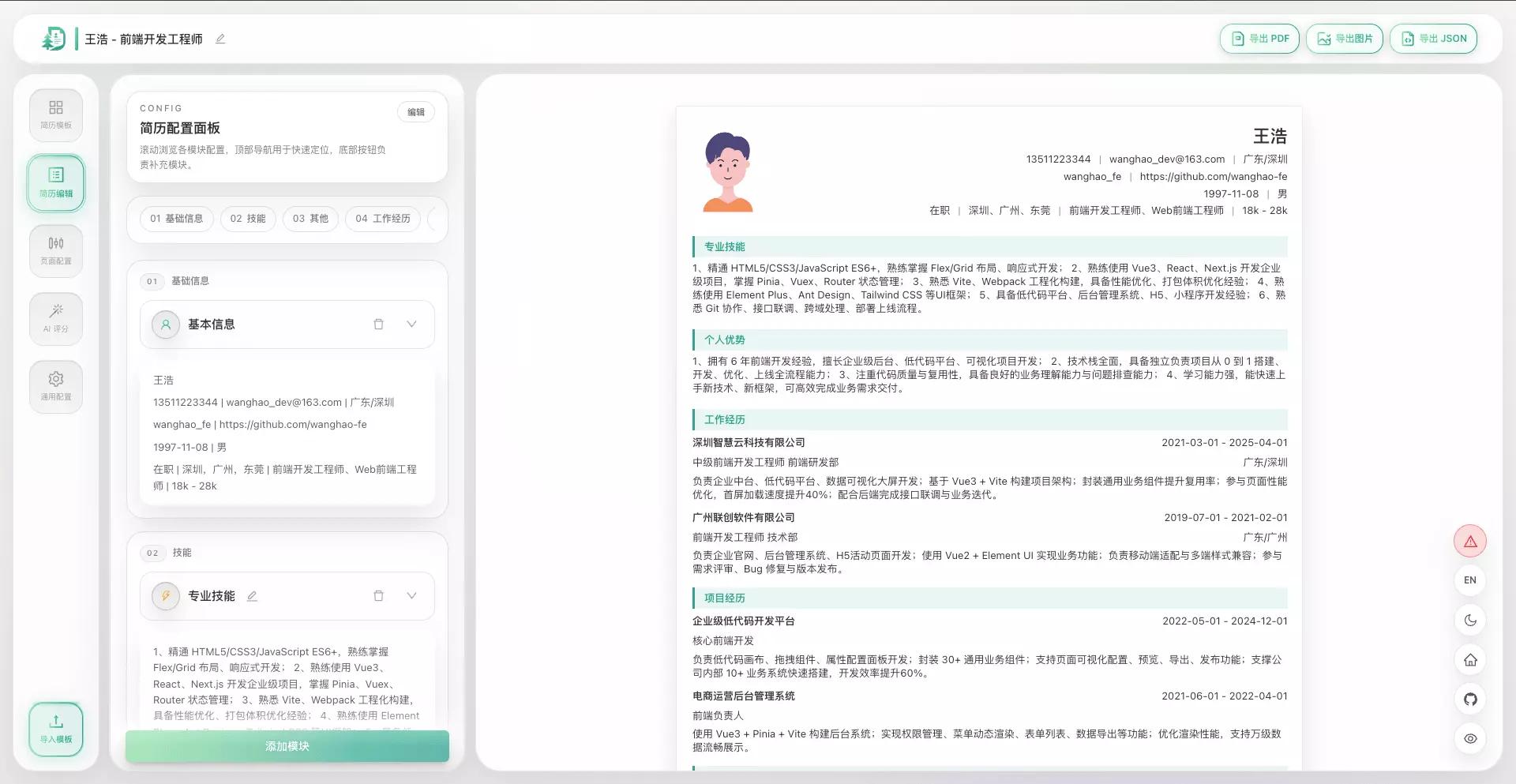
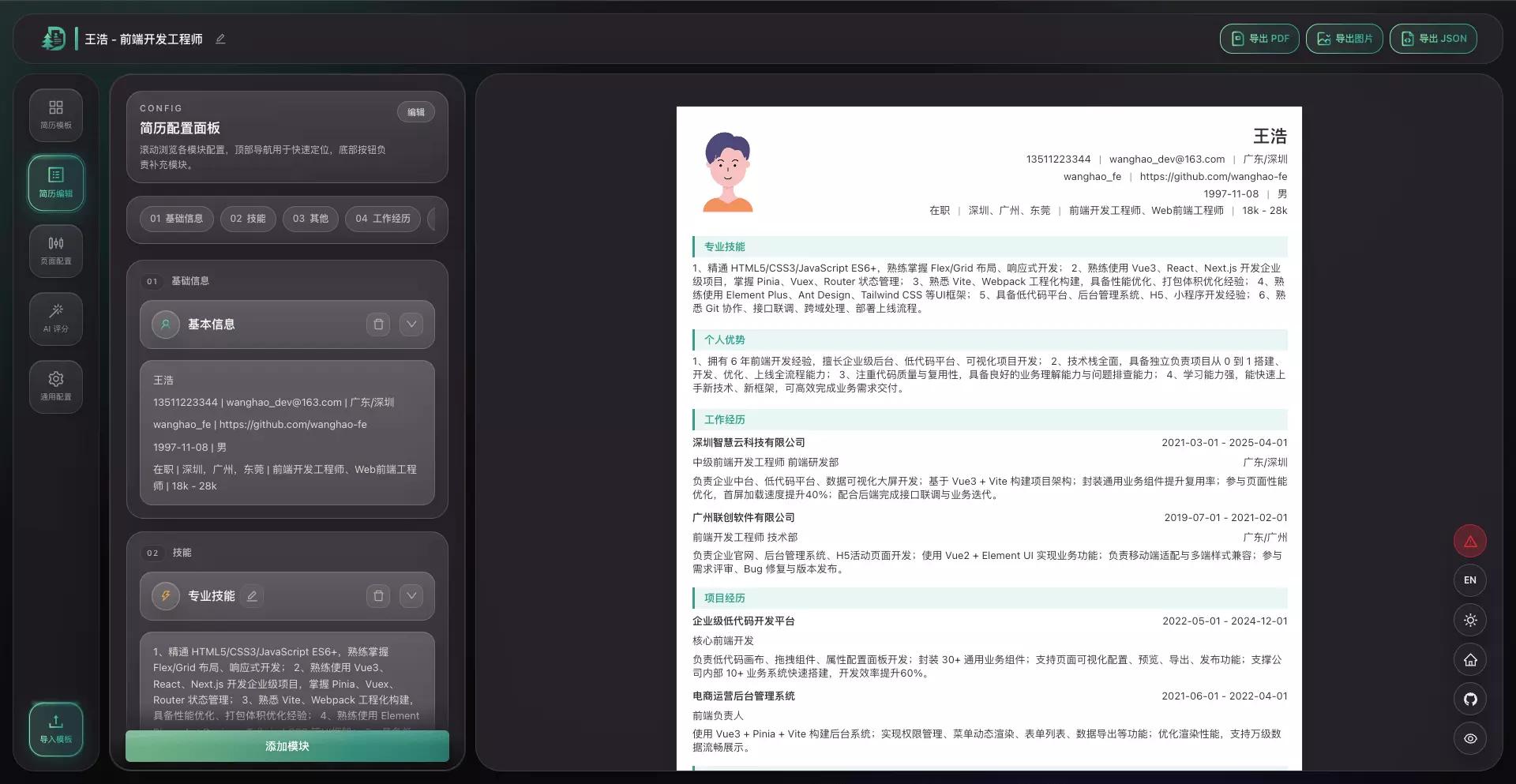
Modular editing with AI suggestions; export PDF, JPEG image, and JSON. Built for tight application deadlines—less layout wrestling, more focus on content and strategy.
Why EasyResume
Trade-offs tuned for real job hunts: clear editing flow, reliable exports, and transparent privacy boundaries.
01
AI suggestions
Hints aligned with how roles are written—more outcome-led and easier to scan.
- Polish and rewrite prompts
- Tone and wording consistency

02
Local-first, you own the data
Edit and preview locally; export PDF, JPEG image, and JSON for backup and portability.
- No signup required
- Multi-format export for applications

Modular editing
Experience, projects, education, and skills stay in clear sections; edits stay in the content layer with less drag-and-align churn.
FAQ
Common questions before you hit submit.
Is EasyResume free?
Core editing and exporting work out of the box—ideal for iterating quickly on a personal resume.
Where is my data stored?
By default it stays in your browser; export backups anytime without opaque cloud lock-in.
Which export formats are supported?
PDF, JPEG image, and JSON—for applications, previews, and version control.
How do I sync across devices?
Export your resume JSON and import it on any device to restore your setup.